Quick Summary
Functional gate codes are essential for property security, yet issues often stem from failing keypad hardware, wiring damage, or outdated access policies that create dangerous security gaps. Absolute Gate Repair Solutions serves as the local authority in Pasadena, offering expert diagnostics to determine if a system requires professional reprogramming, physical keypad repair, or a complete hardware upgrade. Property owners can eliminate frequent lockouts and manage temporary access more effectively by requesting a free estimate for a secure smart access control system or immediate hardware maintenance.
How to Fix Gate Codes Without Lockouts or Security Gaps
You pull up to the driveway, enter the gate codes you have used for months, and nothing happens. Or the opposite happens, the gate opens when it should not. Either way, a small keypad issue can quickly become a security problem or a daily inconvenience. For homeowners, property managers, and business owners in Pasadena, the real question is not just how to enter a code, it is whether the access system is still doing its job.[3]
Gate codes are supposed to make entry simple. When they stop working, the cause is often bigger than the code itself. A failing keypad, a weak battery, a wiring issue, a lost master setting, or an outdated access policy can all create lockouts and security gaps. Absolute Gate Repair Solutions helps diagnose whether the problem is mechanical, electrical, or related to access control, then recommends the safest fix, whether that is keypad repair, reprogramming, intercom troubleshooting, or a hardware upgrade.
What are gate codes, and when do they stop working as intended?
What are gate codes, and when do they stop working as intended? in brief: Gate codes are part of a larger access control system, not just a number you type into a keypad. When a code stops working, the cause may be a changed PIN, a worn keypad, a controller issue, or an access policy that no longer fits the property. The safest approach is to identify the real cause first, then repair, reprogram, or upgrade as needed.[1]
Gate codes are numeric credentials programmed into gate access control systems to allow entry for approved users. They stop working as intended when hardware wears out, power becomes unstable, or the property’s access rules become outdated. Shared codes can also create trouble over time, especially when too many people know the same entry number.[2]
Why gate codes matter for security and access
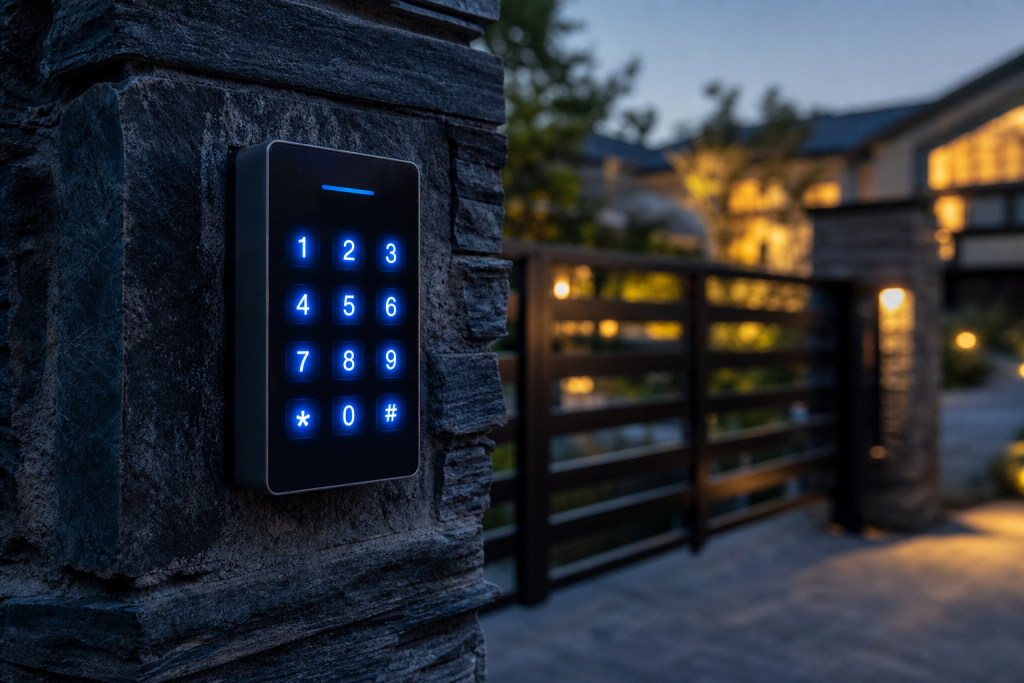
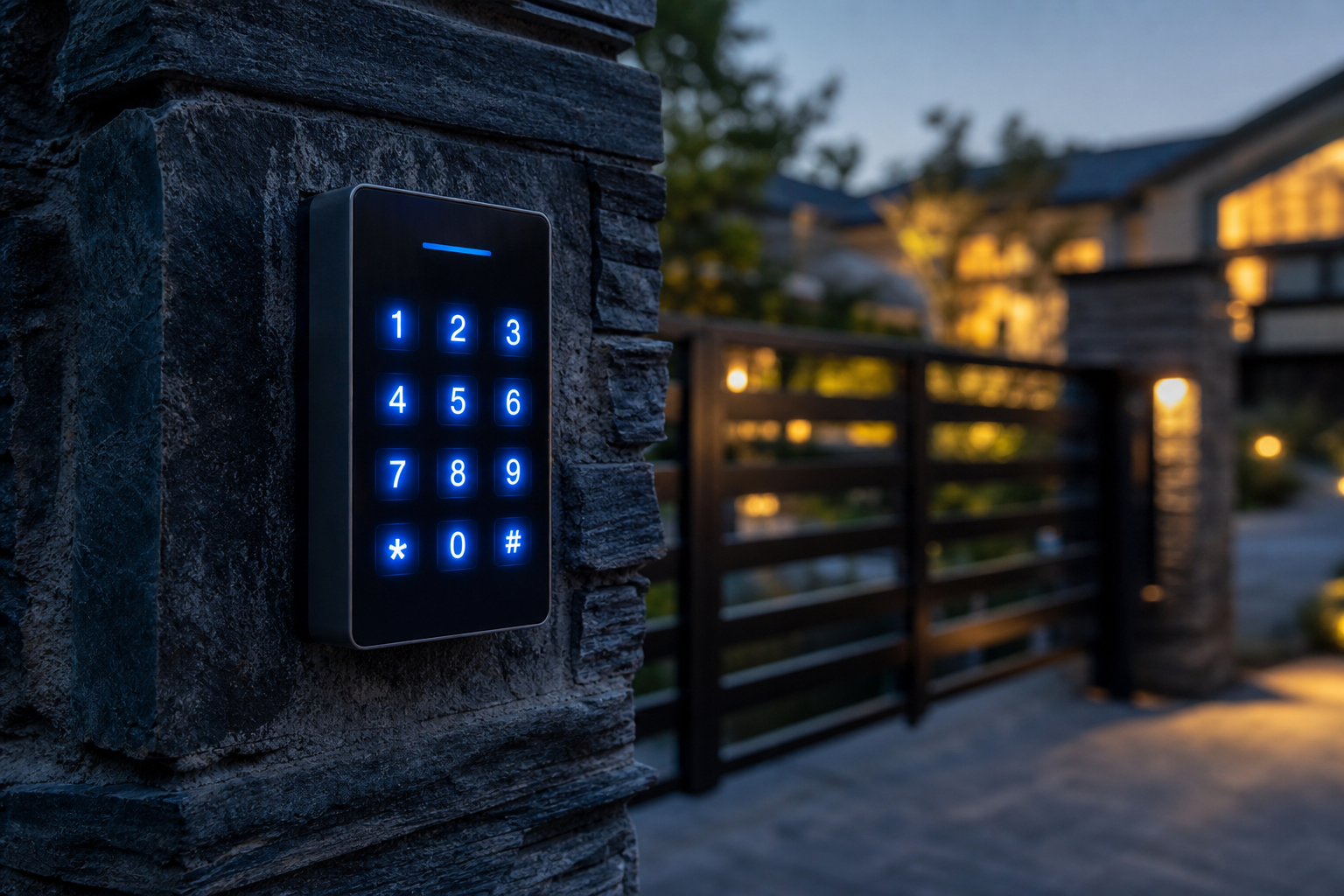
Whether you manage secure driveway gates at a residence or handle entry for a commercial property, the keypad is part of the first layer of security. When gate entry systems are left with old shared codes, forgotten overrides, or ignored keypad wear, the property becomes harder to manage and easier to compromise.[4]
A code that worked last month may fail today because someone changed it, the keypad is starting to fail, or the controller lost its settings. In other cases, the code still works, but it should not. That is where code drift becomes a real issue, the access setup no longer matches the way the property is actually used.
| Issue Type | Common Symptoms | Recommended Action |
|---|---|---|
| Code Problem | Keypad beeps normally, but the gate does not open. | Reprogram the system or update access rules. |
| Hardware Failure | Buttons stick, or the keypad loses power. | Schedule keypad repair or replacement. |
| System Upgrade | Frequent lockouts and repeated code drift keep happening. | Move to a newer gate access control system. |
How do you change a gate code without creating a security gap?
How do you change a gate code without creating a security gap? in brief: To change a gate code safely, identify whether you are updating a user code, a master code, or a programmed access list. If the keypad is slow, inconsistent, or unresponsive, changing the code alone will not solve the problem. In that case, the system may need keypad repair, reprogramming, or replacement.
To update a gate code safely, Absolute Gate Repair Solutions advises that you remove the old code before adding the new one. That helps prevent a lingering backdoor that someone could still use. This matters during tenant turnover, after a contractor finishes a job, when a vendor no longer needs access, or after a code has been shared too widely.
The exact process depends on the opener and keypad brand. Some systems make it easy to change a user PIN. Others require a master programming sequence or a full reset. If the system has been acting up, it is smart to test the keypad first so you do not waste time changing a code on hardware that is already failing.
When to reset a code versus reprogram the system
If the keypad is physically failing, a code change will not fix it. The right choice depends on whether the issue is limited to access settings or whether the hardware itself has started to fail.
| Action | Best Used For | What It Does |
|---|---|---|
| Change User PIN | Tenant turnover or routine access changes | Updates one entry code without changing the whole system. |
| Reset Master PIN | Lost admin access | Restores programming control when the master code is no longer available. |
| Reprogram System | Programming errors or receiver issues | Restores communication between the keypad, controller, and opener. |
What to check before and after the change
Before you change gate codes, it helps to run through a quick checklist:
- Test the keypad buttons to make sure they respond normally.
- Confirm the system still has power and the battery is not low, if it uses one.
- Remove the old code from the system before adding the new one.
- Enter the new code and test the gate from start to finish.
Why is my gate keypad not accepting the correct code?
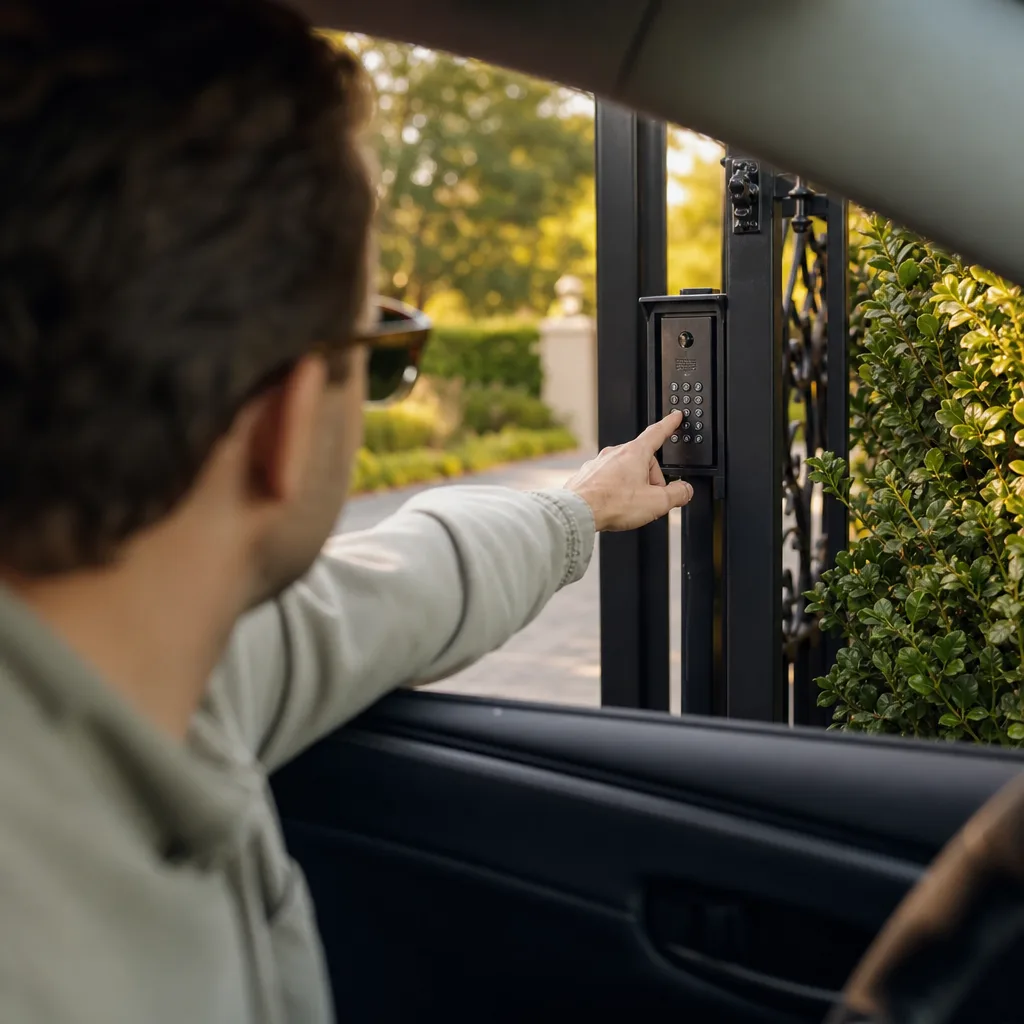
Why is my gate keypad not accepting the correct code? in brief: If the correct gate code is not working, the problem is often not the code itself. Common causes include worn keypad buttons, wiring damage, low power, moisture intrusion, or a controller that has lost its programming. If the same code fails after a reset, the keypad or opener likely needs repair.
A gate keypad rejects the correct code when the signal never reaches the controller, or when the controller no longer recognizes the input. The first step is to check the basics, power, button response, and visible damage. If those look fine, the issue may be deeper in the access control system.
Weather can make these problems worse. Heat, humidity, and wind can all wear on outdoor gate entry systems over time, especially if the keypad is exposed or the wiring is aging.
Mechanical, electrical, and programming causes
Some keypad problems come from simple wear. Others come from moisture inside the housing, a loose connection, or a controller that has lost its settings. If the gate opens with a remote but not with the keypad, that is a useful clue. It often means the opener still works, but the keypad or wiring path does not.
For that reason, it helps to separate the problem into three buckets, mechanical, electrical, or programming. That approach saves time and avoids replacing parts that are still working.
Signs the keypad needs repair instead of a new code
Use this checklist to decide whether you need hardware repair rather than another code reset:
- Press the keypad buttons: If they feel sticky or mushy, the keypad may be worn out.
- Listen for a confirmation beep: No beep can point to a power issue or dead battery.
- Check the indicator lights: Dim or flashing lights can signal a wiring problem.
- Test another access method: If a remote still works, the opener may be fine and the keypad may be the problem.
What is the safest way to handle temporary gate codes for guests, vendors, and delivery drivers?
The safest approach is to use temporary gate codes or time-limited access instead of sharing your main code. Permanent shared codes are hard to track and easy to forget about. If someone no longer needs access, their code should not keep working.[5]
Temporary access is useful for one-time deliveries, short-term contractors, open houses, and guests. It keeps the property easier to manage and reduces the risk of old codes circulating long after they should have been removed.
Some newer gate access control systems can create codes that expire automatically. Others can track entry more closely, which is helpful for both residential and commercial properties. If your current setup does not support that kind of control, upgrading may be the cleaner long-term fix.
Temporary access rules that reduce liability
Good access control is mostly about discipline. If a code is temporary, it should stay temporary. If a contractor is done, their code should be deleted. If a tenant moves out, their access should be removed right away.
- Review access lists regularly and remove unused codes.
- Delete credentials as soon as a job, visit, or lease ends.
- Consider an upgrade if your current system cannot expire codes or track entry properly.
Shared codes versus time-limited access
Here is the basic tradeoff between convenience and security:
| Access Method | Security Level | Best Used For |
|---|---|---|
| Shared Static Codes | Lower, especially if too many people know the code | Permanent residents or immediate family |
| Time-Limited Access | Higher, since access can expire automatically | Delivery drivers, guests, and contractors |
If your current setup cannot support temporary gate entry, a keypad or access control upgrade may be the safer option.
When should you repair the keypad, reset the system, or upgrade the access control hardware?
The right fix depends on what is actually failing. A reset can solve a simple programming glitch. Keypad repair makes sense when the hardware is worn but the rest of the system is still usable. A full upgrade is better when the property keeps having lockouts, code drift, or access tracking problems.
In other words, do not treat every gate code issue the same way. A bad code, a bad keypad, and a bad access policy are three different problems.
Repair versus reset versus replacement
Here is a simple way to think about it:
- Reset the system: Best for a lost setting, a temporary memory glitch, or a code that stopped working after programming changes.
- Repair the keypad: Best for sticky buttons, moisture damage, or wiring faults.
- Replace the hardware: Best when the system is outdated or cannot manage access the way you need it to.
How to choose the right fix for long-term security
If your gate keeps locking people out, or if codes keep drifting out of sync with the people who actually need access, an upgrade may save time and frustration. A better system can also make gate entry easier to manage for homeowners, tenants, and staff.
| Feature | System Reset | Keypad Repair | Hardware Upgrade |
|---|---|---|---|
| Fixes mechanical wear | ✗ | ✓ | ✓ |
| Resolves software glitches | ✓ | ✗ | ✓ |
| Automates gate entry tracking | ✗ | ✗ | ✓ |
| Reduces code drift | ✗ | ✗ | ✓ |
FAQ: What should I do if I forgot the master programming code for my gate?
FAQ: What should I do if I forgot the master programming code for my gate? in brief: If you forgot the master programming code, do not keep guessing. Some systems allow a documented reset procedure, but others require brand-specific service access or a full reprogramming. If the gate is locked and you need immediate access, the safest next step is professional diagnosis so the code system can be restored without creating a security gap.
If you lose the master programming code, Absolute Gate Repair Solutions suggests that you stop entering random numbers to avoid a complete system lockout. Repeated attempts can make the lockout worse on some systems. Check the manual for the model you have, since some brands allow a reset through the control board or a physical switch, while others need a technician to restore access safely.
Can I find the default factory code?
Default factory codes vary by brand and are often changed during installation. If you are working with LiftMaster gate code reset steps or another brand-specific opener, the factory code may not still be active. For security reasons, default codes should not be left in place on an occupied property.
What if the keypad is completely locked out?
- Disconnect the main power supply for about 60 seconds, if the system allows it.
- Reconnect power and see whether the keypad responds again.
- If the keypad is still unresponsive, request emergency repair.
If your gate codes are failing, the issue may be bigger than the number itself. The safest fix is to find out whether the problem is in the keypad, the controller, or the access policy, then address it before it turns into another lockout or a security gap.
Sources
- NIH_PublicAccessRFI_Gates.docx – osp.od.nih.gov (2021)
- [PDF] ENG Family/Parent Guide to Gifted Services revised 2025-26 – svvsd.org (2025)
- GATE Subjects List 2026 with Paper Codes – Check Full List & Details – engineering.careers360.com (2026)
- U.S. Gates Market Size And Share | Industry Report, 2030 – grandviewresearch.com (2030)
- 2024 NPG Membership Renewal – npg.org (2024)
Related reading: Commercial Gate Repair Near Me: Restore Uptime Without Security Gaps
Related reading: How to Fix Gate Access Problems Without Repeat Breakdowns
Frequently Asked Questions
How often should I update my gate codes to maintain maximum security?
Absolute Gate Repair Solutions recommends rotating shared codes every three to six months or immediately after a tenant or contractor no longer requires access. Regular updates prevent code drift and ensure that only authorized individuals can enter your Pasadena property.
Can a standard keypad be upgraded to a smart access system without replacing the entire gate?
Yes, Absolute Gate Repair Solutions can often integrate smart controllers with your existing gate hardware to allow for smartphone-based entry and time-limited guest codes. This upgrade eliminates the need for frequent keypad repairs while significantly enhancing your property's overall security and tracking capabilities.
What should I do if my gate keypad is physically damaged by Pasadena's extreme heat or wind?
If buttons are sticking or the housing is cracked due to weather exposure, you should contact Absolute Gate Repair Solutions for a professional hardware assessment. We provide expert diagnostics to determine if a simple keypad repair or a weather-resistant hardware upgrade is necessary to prevent future lockouts.
About the author
 |
Sarah Miller Sarah Miller is a specialized content writer focusing on residential and commercial security infrastructure, with a particular interest in access control systems. She holds a B.A. in Communications from California State University, Northridge and has spent the last four years writing technical yet accessible guides for property managers and homeowners in Southern California. Her work highlights practical maintenance strategies and the importance of reliable emergency repair services. |
Get started
Call Now - Free EstimateNeed Gate Repair Help?
Call Absolute Gate Repair Solutions - licensed & insured, here with fast after-hours help in Pasadena.
(866) 827-7631