
Quick Summary
Commercial property managers frequently encounter recurring gate access failures when repairs focus on isolated components instead of the entire integrated system of motors, sensors, and entry hardware. Absolute Gate Repair Solutions serves as an essential partner by optimizing gate access through a combination of robust mechanical repairs, modern intercom systems, and smart connectivity. Property owners can eliminate repeat breakdowns and improve security by requesting a free, no-obligation estimate on commercial gate access systems from Absolute Gate Repair Solutions.
“`html
How to Fix Gate Access Problems Without Repeat Breakdowns
When a gate opens after a quick repair and then fails again a week later, the problem is usually bigger than one worn part. Gate access issues often come from the way the whole system works together, the gate leaf, hinges, motor, sensors, intercom, keypad, remotes, power supply, and safety alignment. For homeowners and property managers, that means more than inconvenience. It can mean security gaps, tenant complaints, and repeated emergency calls.[2]
This guide, supported by the technical standards of Absolute Gate Repair Solutions, takes a system-wide approach to gate access, because that is usually where the real fix starts. A technician who only swaps parts may miss the actual cause, especially on properties that need intercom integration, smart connectivity, or code-aware mechanical repair. The U.S. gates market was estimated at USD 4.70 billion in 2024 and is expected to reach USD 4.88 billion in 2025, which shows that owners are still investing in better entry systems.[1]
In the steps below, you will learn how to identify the failure point, fix it correctly, and lower the chances of repeat breakdowns.
Gate Access Failures Are a System Problem – Here Is How to Solve Yours
Most gate access failures do not come from one bad part. They come from a chain of small problems across the entire perimeter system. To stop repeat breakdowns, look at how the gate works with the motor, sensors, and entry controls.
As Nexlar notes, these systems improve security through tools like keypads, card readers, cameras, and software logs. A complete setup also includes the gate leaf, hinges, sensors, and power supply. If one link is weak, the whole system can fail.
Before you book another repair or plan a full access control installation, use this diagnostic order:
- Diagnose mechanical drag: Check the gate leaf and hinges for physical resistance.
- Identify electrical interruptions: Test the power supply to see whether the issue is really the opener.
- Evaluate access-control failures: Make sure the intercom, keypad, or software is communicating properly.
What You Will Need Before You Start
Before troubleshooting your perimeter system, gather your documentation, safety gear, a multimeter, a level, and white lithium grease. Having those items ready makes it easier to inspect mechanical parts and test electrical signals safely.
Complete these preparation steps before beginning any gate repair:
- Gather documentation: Find the gate model, motor brand, keypad model number, and intercom wiring diagram.
- Prepare diagnostic tools: Keep a multimeter, a level, and white lithium grease nearby, and make sure you can reach the electrical panel.
- Equip safety gear: Wear heavy gloves and eye protection. Always have a partner when handling a heavy gate.
Complex gate opener repair work, like motor wiring, welding, or access control installation, should be handled by licensed professionals to avoid voided warranties and potential code issues.
Step 1: Identify Your Gate Access Control System Type
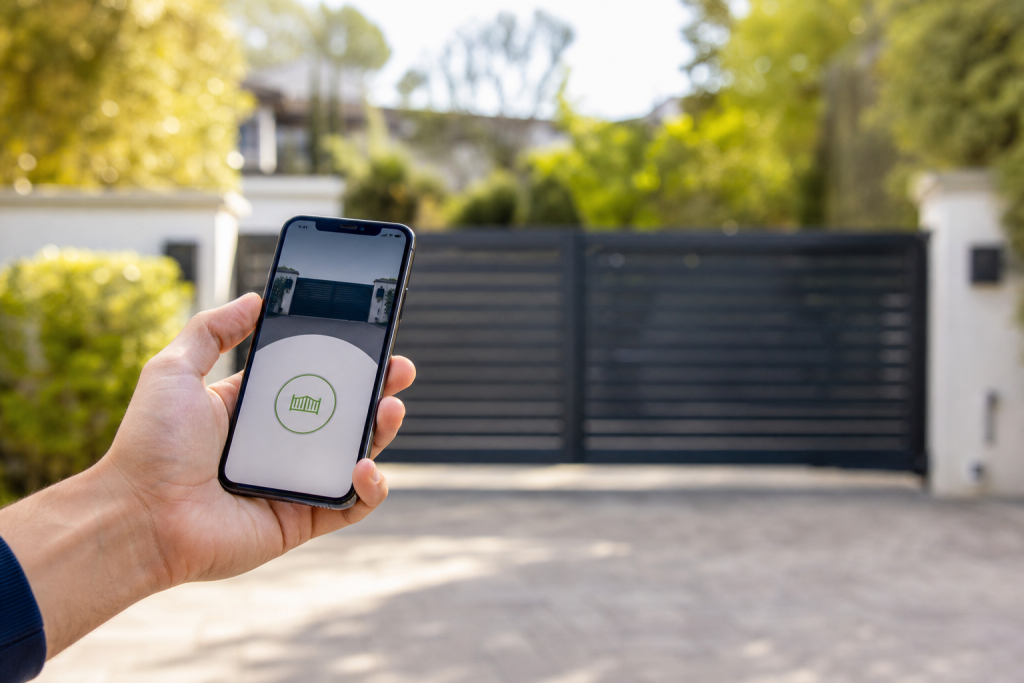
Gate access control systems usually fall into four main categories: keypad and PIN entry, card or fob readers, intercom and video systems, and wireless smartphone-controlled openers. Keypads work well for single-family homes on a budget. Card readers fit commercial properties with many users. Intercoms add visual verification for visitor management. Wireless systems let owners grant or revoke access remotely, which is useful for properties that need flexible scheduling. Smartphone-based access can also be added through compatible mobile credentials or app-based systems.[2][7]
Before you start any repair, Absolute Gate Repair Solutions recommends that you define the equipment you actually have. The system type shapes every troubleshooting step that follows.
Keypads, Card Readers, Intercoms, and Wireless Entry Compared
| System Type | Pros vs. Cons |
|---|---|
| Keypads | Affordable and simple, but PINs can be shared and codes need to be rotated. |
| Card Readers | Reliable for commercial properties, but lost cards can create security gaps. |
| Intercoms | Allow visual verification and visitor management, but require wiring expertise. |
| Wireless | Enable remote control from anywhere, but depend on Wi-Fi reliability. |
Residential driveways often do well with wireless openers, while multi-tenant commercial properties usually need layered systems that combine intercoms with card readers. Modern gate access software can also remotely grant or revoke user permissions and keep detailed entry and exit logs.[1][2][3][3]
Physical property access is a different topic from assistive technology programs, so the World Health Organization’s GATE initiative is not part of this discussion. If you keep searching for automatic gate repair near me, the more useful question is whether your system type fits your daily traffic volume.[4]
Step 2: Inspect the Mechanical Layer – Gate Leaf, Hinges, and Track
Many access failures blamed on electronics actually start with mechanical drag. Before searching for automatic gate repair near me, disconnect the motor and push the gate manually. If it drags or binds, the problem is mechanical. A sagging gate, corroded hinges, or a debris-clogged track can wear out the motor fast, according to Absolute Gate Repair Solutions.[5]
Follow these mechanical inspection steps:
- Visually inspect hinge pins for rust and friction.
- Check gate alignment with a level to identify post lean.
- Look for ground scraping along the swing or slide path.
- Clear the track of leaves and grit.
Avoid DIY welding on heavy metal gates. Poor welds can create stress fractures that fail under wind load and lead to a bigger repair later.
Step 3: Test the Electrical and Motor System
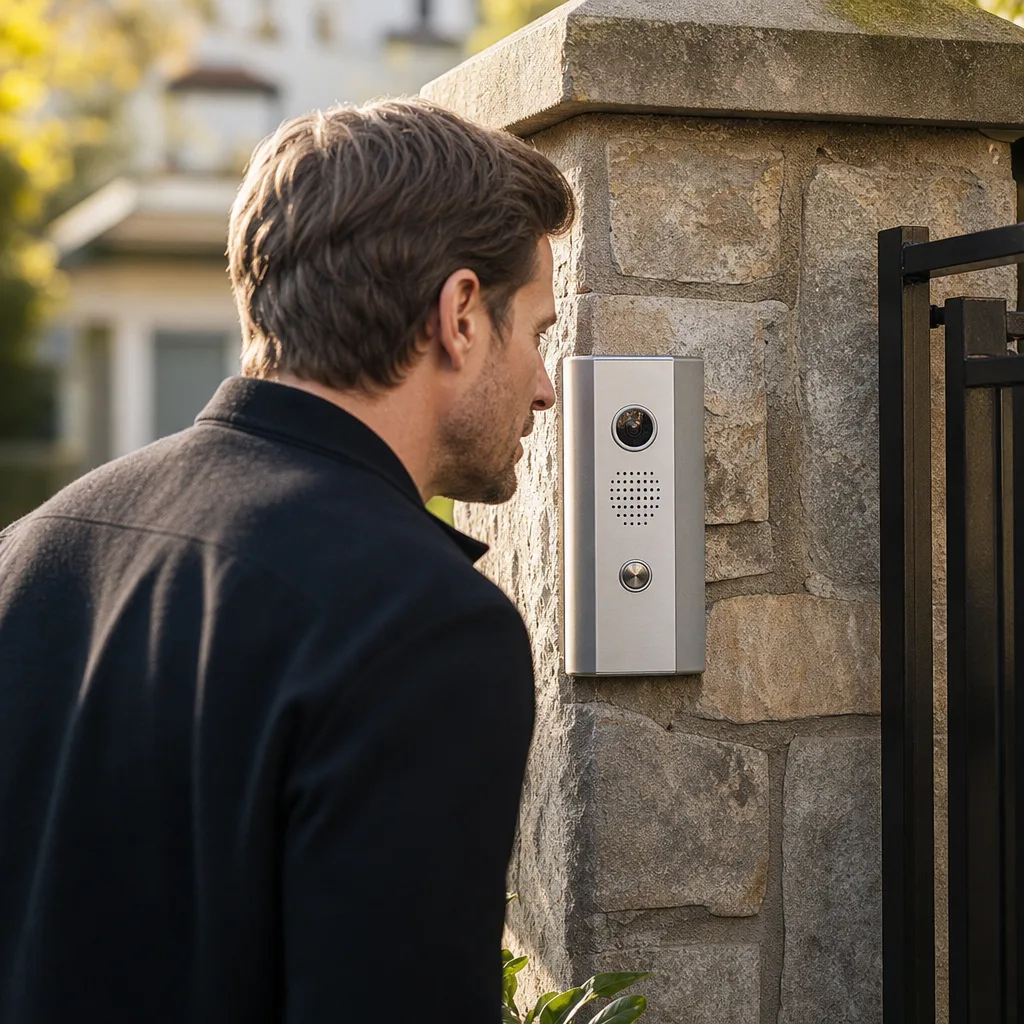
After confirming that the gate moves smoothly, electrical testing means isolating the power source, the motor, and the safety sensors. Diagnosing these parts correctly keeps you from replacing an expensive motor when the real issue is a tripped breaker.
How to Troubleshoot a Gate Access System That Is Not Responding
Follow these steps before booking automatic gate repair near me:
- Check the power: Inspect the outlet and transformer, and reset any tripped GFCI outlets.
- Examine the board: Verify the motor’s LED status lights and check for a blown control-board fuse.
- Inspect connections: Test the backup battery and check wiring for weather corrosion or rodent damage.
Erratic behavior, like opening halfway, reversing, or cycling without input, usually points to photo-eye sensor misalignment or limit-switch issues. Never bypass safety sensors. They protect people, pets, and vehicles. Replacing a capacitor in an older motor may be a small repair, but misdiagnosing the problem and swapping the entire motor is an expensive mistake.
Step 4: Evaluate and Upgrade Your Access Control Layer
Once the electrical side checks out, look at the entry hardware and software. The access control layer is what lets people in, keeps the wrong people out, and records what happened at the gate.[1][2][3]
Can I Upgrade an Old Gate to a Wireless Access System?
Many gates can be upgraded to support wireless or smartphone-based access. Smartphone-based access can be added through compatible mobile credentials or app-based systems.[2][7] Older equipment may need additional compatibility checks, especially on commercial properties where daily use is heavier.
How Can I Control My Driveway Gate With a Smartphone?
Smartphone-based access can be added through compatible mobile credentials or app-based systems.[2][7] Check with your gate system manufacturer or a qualified technician to confirm which options are compatible with your existing motor and control board.
For commercial facilities, data-driven systems provide entry logs that help managers adjust staffing and spot unusual access patterns.[1][2][3] They can also show who entered, how long they stayed, when they left, and peak traffic hours.
Step 5: Choose the Right Gate Entry System for Your Property Type
The best gate entry system depends on property type and traffic volume. A single-family home may only need a wireless opener with a keypad. A gated community usually needs an intercom, card reader, and visitor management software. Commercial facilities often need layered security with keypads, card readers, cameras, and software logging.
Residential Community vs. Commercial Facility – A Decision Framework
Choosing the right setup, as noted by Absolute Gate Repair Solutions, helps prevent daily bottlenecks, reduces general gate repair calls, and lowers the odds of another emergency service visit. Gated community security systems have been reported to reduce burglaries by as much as 33% compared with similarly sized non-gated residential areas.
| Feature | Single-Family Home | Gated Community | Commercial Facility |
|---|---|---|---|
| Primary Tech | Opener + keypad | Intercom + LPR | Keypad + card + camera |
| Credential Management | Low, owner-managed | Medium, software-managed | High, IT logging |
| Traffic Volume | Low | Medium | High |
For property managers, the tradeoff is simple, convenience matters, but so does maintenance. License plate recognition can reduce congestion, but it still needs camera upkeep to stay reliable.
Step 6: Align Safety Sensors and Run a Full System Test
After any mechanical or electrical adjustment, test the entire perimeter system as one unit. Align the safety photo-eye sensors and cycle the setup to confirm that every entry method works without nuisance reversals.
Keep sensors level and clean. Misalignment causes a lot of erratic behavior. Follow this testing checklist:
- Cycle the gate open and closed five times.
- Verify that photo-eye sensors stop the gate when obstructed.
- Test every access method, including remote, keypad, intercom, and app.
- Confirm that the gate locks securely and check the auto-close timer.
- Simulate peak commercial traffic to make sure repeated cycles do not overheat the motor.
Step 7: Set Up a Preventive Maintenance Schedule to Avoid Repeat Failures
Most repeat failures happen because a previous gate repair fixed the symptom, like a dead remote, without solving the root cause, such as a corroded antenna connection. Prevent that by treating the mechanical hardware and digital tools as one perimeter system.
A routine maintenance visit, as suggested by Absolute Gate Repair Solutions, can prevent much costlier emergency motor replacements later. A simple schedule goes a long way:
- Quarterly checklist: Lubricate hinges and rollers, clean photo-eye lenses, inspect wiring for corrosion, test the backup battery, rotate keypad codes, and review access logs for anomalies.[1][2][3]
- Annual deep service: Schedule a professional gate opener repair inspection, adjust chain or belt tension, check the post and foundation, and update smart system firmware.
Gate Access FAQ
Gate access control systems include keypads, card readers, intercoms, wireless smartphone openers, and license plate recognition. Smartphone-based access can be added through compatible mobile credentials or app-based systems.[2][7] If your system is unresponsive, check for tripped GFCI outlets and blown fuses before replacing the motor.
Managing your perimeter system often raises questions about upgrades and troubleshooting. Whether you are comparing entry options or diagnosing an unresponsive motor, understanding the full setup helps you avoid contractors who lack specialized commercial experience and transparent pricing.
Before searching for automatic gate repair near me, follow these troubleshooting steps:
- Check the primary power source for a tripped GFCI or blown fuse.[1]
- Inspect the motor’s LED indicators for specific error codes.[1]
- Test backup batteries and examine wiring for physical damage.[1]
- Review access logs and remotely manage permissions to identify patterns or unauthorized access.[2][3]
- Check the gate access system components broadly, including sensors, control board, and entry hardware, before concluding a single part is at fault.[1][2][3]
“`
Sources
- U.S. Gates Market Size And Share | Industry Report, 2030 – grandviewresearch.com (2030)
- Eco-Friendly Materials Propel Growth Amid Rising Sustainability Trends – globenewswire.com (2030)
- Gates Market Size, Share, Growth | Emerging Trends [2024-2034] – emergenresearch.com (2034)
- Regional Analysis – marketdataforecast.com (2034)
- Gate Openers Market Size & Growth | Industry Forecast … – fortunebusinessinsights.com (2034)
Frequently Asked Questions
Can I integrate a modern smart intercom with my existing commercial gate motor?
Most legacy commercial motors can be retrofitted with smart intercoms and mobile connectivity tools if the control board supports external triggers. Absolute Gate Repair Solutions specializes in these integrations to help property managers upgrade security without the expense of a full system overhaul.
How do I determine if my gate access hardware is sufficient for high-traffic commercial use?
Commercial systems are rated by duty cycles, and if your gate frequently overheats or reverses during peak hours, the motor or sensors may be undersized for the demand. Absolute Gate Repair Solutions provides comprehensive assessments to ensure your hardware and software are properly matched to your property's specific traffic volume.
What is the first step in upgrading a failing multi-tenant gate access system?
The process begins with a system-wide diagnostic to separate mechanical drag from electrical or software communication errors. You can request a free, no-obligation estimate from Absolute Gate Repair Solutions to receive a detailed plan for optimizing your commercial gate access and preventing future breakdowns.
About the author
 |
Sarah Miller Sarah Miller is a specialized content writer focusing on residential and commercial security infrastructure, with a particular interest in access control systems. She holds a B.A. in Communications from California State University, Northridge and has spent the last four years writing technical yet accessible guides for property managers and homeowners in Southern California. Her work highlights practical maintenance strategies and the importance of reliable emergency repair services. |
Get started
Call Now - Free EstimateNeed Gate Repair Help?
Call Absolute Gate Repair Solutions — licensed & insured, here with fast after-hours help in Pasadena.
(866) 827-7631